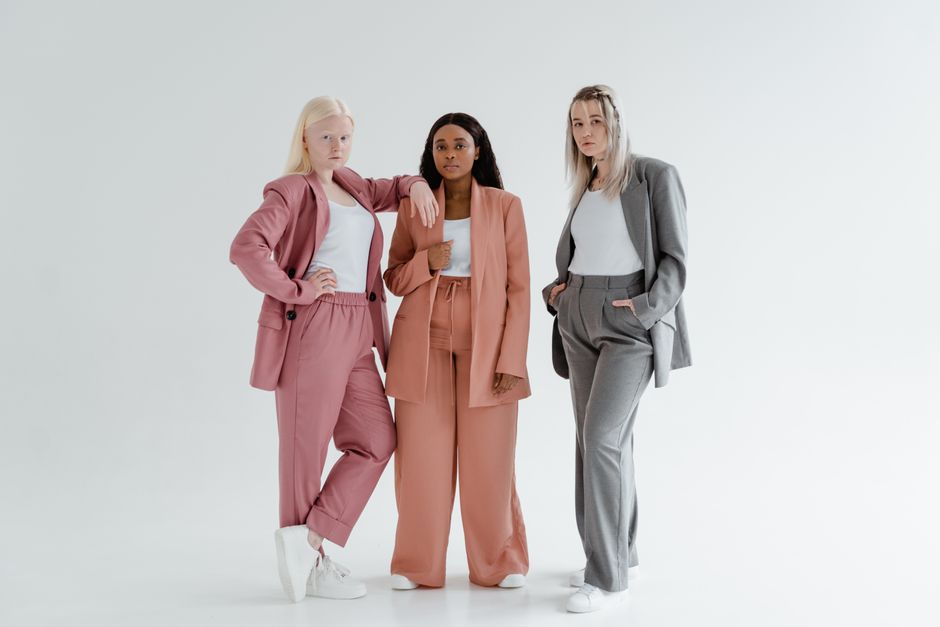
Why your closet feels full but outfits feel limited
You have ten minutes before work. The closet is full, but the only outfit you can see is yesterday’s jeans with the same black sweater. You try three combinations, reject two, and leave wearing the first one.
This problem is rarely caused by a lack of clothes. It comes from poor visibility. Most wardrobes are stored by location, not by outfit. Tops sit in one place, shoes sit somewhere else, and the useful combinations stay hidden in your memory.
The real problem is decision fatigue
Getting dressed requires several small decisions: weather, comfort, dress code, color balance, laundry status, and whether an item has already been worn recently. When you make all of those choices at 7:30 in the morning, even a simple outfit can feel difficult.
A good outfit planner app reduces the number of decisions. It shows your actual clothes in one visual space, lets you save combinations, and gives you a repeatable way to plan. The best app does not need to invent a new personality for you. It needs to help you use the wardrobe you already own.
What an app cannot fix
No app can make an uncomfortable blazer comfortable or turn an impractical pair of shoes into an everyday option. If your closet lacks basic layers, weather-appropriate shoes, or clothes that fit your current life, digital planning will expose that gap rather than hide it.
Verdict: Use an outfit planner to improve visibility and planning, not to replace good wardrobe choices. The right tool should make your existing clothes easier to wear.
How to build a digital closet that gives useful answers

The quality of an outfit planner depends on the information you give it. A digital closet filled with blurry photos, missing shoes, and clothes you never wear will produce weak suggestions. Spend 30 to 45 minutes setting it up properly, then add items in small batches.
- Start with your most-worn clothes. Add the jeans, trousers, skirts, shirts, knitwear, jackets, coats, shoes, and bags you reach for every week. Do not begin with formalwear you wear once a year.
- Use clean item images. Photograph clothes flat in daylight or use product images from the retailer. Keep the whole item visible. A cropped sleeve or dark photo makes filtering harder.
- Add practical labels. Record color, season, fit, warmth, dress level, and any comfort limits. “Office,” “rainy day,” and “only with low heels” are more useful than vague style labels.
- Enter your real availability. Mark items that are at the dry cleaner, in the laundry, too warm for the current season, or reserved for special occasions.
- Save complete outfits. A top and pair of trousers is not always a finished look. Add shoes, outerwear, jewelry, and a bag when those pieces change the result.
Plan around situations rather than abstract style categories. Create folders for commuting, client meetings, casual weekends, travel days, hot weather, and rainy weather. These folders match real decisions, so you will use them more often.
Do not upload every item in one sitting if the process becomes a chore. A partial closet with accurate information is more useful than a complete closet that you abandon. Add five items after each laundry day until the main wardrobe is represented.
Verdict: The best setup is not the largest one. It is a clear record of the clothes you can actually wear this week.
Best outfit planner apps compared at a glance
These apps solve different versions of the same problem. Stylebook is the strongest paid-once organizer. Whering is the best starting point for a social, visual wardrobe. Acloset wins for AI-led suggestions, while Cladwell is better for weather-aware capsule planning.
| App | Best for | Key tools | Cost or platform detail |
|---|---|---|---|
| Stylebook | Detailed closet control | Outfit Shuffle, calendar, packing lists, cost-per-wear | $4.99 one-time in the US; iPhone and iPad |
| Whering | Visual planning and outfit discovery | Digital closet, outfit calendar, wardrobe statistics, saved looks | Free core app; iOS and Android |
| Acloset | AI outfit suggestions | Photo-based closet, AI recommendations, outfit organization | Free tier available; mobile app |
| Cladwell | Capsule wardrobes and weather | Daily outfits, weather prompts, wardrobe statistics, packing help | Paid listing has appeared around $8.99 monthly or $59.99 yearly; check your store |
Prices and premium limits can change by country, operating system, and promotion. Treat the cost column as a buying guide, not a permanent price promise. The feature difference matters more than a few dollars if you plan to use the app every morning.
For most iPhone users who dislike subscriptions, Stylebook is the clearest value. For someone who wants free experimentation across devices, Whering is the easiest first download. Choose Acloset when automatic ideas matter more than detailed wardrobe statistics. Choose Cladwell when the weather and a smaller capsule wardrobe drive your daily choices.
Which outfit planner app is worth using every day?

Stylebook is the best overall outfit planner app for people who want control, reliable organization, and a one-time purchase. Its strength is not flashy styling language. It is the amount of useful wardrobe information you can keep in one place. You can build outfit collages, shuffle items for new combinations, schedule looks on a calendar, prepare packing lists, and track how often you wear a piece.
Choose Stylebook for a serious closet audit
Stylebook works especially well when you want to answer questions such as, “Which black trousers do I actually wear?” or “How many outfits can I make from this jacket?” The cost-per-wear tool becomes useful after several weeks of logging. Its $4.99 US one-time price also makes it easier to recommend to someone who does not want another monthly bill.
The main limitation is platform reach. It is built for iPhone and iPad, so it is a poor choice for a household that relies on Android phones or wants a shared web-based wardrobe.
Choose Whering for visual inspiration
Whering feels more like a visual style space than a spreadsheet. It suits users who enjoy building boards, browsing saved looks, and planning outfits on a calendar. The app is available on iOS and Android, which makes it more flexible than Stylebook for mixed-device households.
The tradeoff is that image importing and tagging can take patience. A large wardrobe may require repeated corrections. Whering is the winner for creative browsing, but Stylebook remains better for precise tracking.
Choose Acloset or Cladwell for guided suggestions
Acloset is the strongest pick if you want AI to suggest combinations after you upload your clothes. That convenience can save time, but automatic suggestions are only as good as your item photos, labels, and closet size. If the app misunderstands a garment’s color or formality, the recommendation may look strange.
Cladwell is the better choice for a capsule wardrobe. Its daily approach connects outfit ideas with weather, travel, and repeatable wardrobe formulas. The paid plan has appeared around $8.99 per month or $59.99 per year, but verify the current price before subscribing.
Deep-dive verdict: Stylebook wins for ownership and data, Whering wins for visual creativity, Acloset wins for AI assistance, and Cladwell wins for weather-led daily dressing.
What should an outfit planner app actually recommend?
Should it recommend clothes I do not own?
Only as a secondary feature. The main value should come from your current wardrobe. An app that constantly sends you shopping suggestions can make a full closet feel inadequate. Set a rule that most saved outfits must use clothes you already own. Use shopping prompts only when the app identifies a real gap, such as a waterproof shoe for a rainy commute.
Can an app understand fit and comfort?
Not perfectly. Add notes such as “tight at the shoulders,” “needs a camisole,” or “comfortable only below 70 degrees.” These details are more useful than a generic label such as “smart casual.” You still need to reject suggestions that look good on screen but fail in real movement.
How many clothes should I upload?
Start with 40 to 80 active items. That is enough to reveal patterns without turning setup into a weekend project. Include at least ten tops, five bottoms, two layers, three pairs of shoes, and your most-used accessories. Add seasonal items later.
When should I skip an outfit planner app?
Skip it if you will not photograph or import your clothes. Also skip it if your main problem is poor fit, not poor organization. A fitting appointment, tailor, or focused wardrobe edit will help more. The app becomes valuable after your clothes are wearable and your daily choices are the bottleneck.
Verdict: A good recommendation starts with your calendar, weather, comfort, and real closet. Any app that ignores those four inputs will produce attractive but impractical outfits.
Which outfit planner app should you choose?

Pick one tool and use it for two weeks before judging it. Log what you wear, save combinations that work, and delete suggestions you would never leave the house in. The winning app is the one that shortens your morning routine, not the one with the longest feature list.
- Best overall: Stylebook for iPhone and iPad users who want detailed control and a $4.99 one-time purchase.
- Best free starting point: Whering for visual outfit planning on iOS or Android.
- Best AI helper: Acloset for automatic outfit ideas from photographed clothes.
- Best capsule planner: Cladwell for weather-aware daily looks and wardrobe reduction.
Do not pay for premium features until you know what you need. If you only want a calendar and outfit photos, a free tier may be enough. If you want cost-per-wear, detailed filters, weather prompts, or automated suggestions, the paid option can earn its place through daily use.
The most useful outfit planner app is the one that makes your real wardrobe visible. It should help you repeat successful combinations, spot neglected clothes, pack with less stress, and buy fewer pieces that do not work with anything else.
| Your main problem | Best pick | Why |
|---|---|---|
| Too many clothes, poor tracking | Stylebook | Detailed closet data and wear history |
| No outfit ideas | Whering | Visual boards and saved looks |
| You want automatic suggestions | Acloset | AI recommendations from your wardrobe |
| You dress around weather and a smaller closet | Cladwell | Daily prompts and capsule planning |